A satellite project of labs.iximiuz.com - an indie learning platform to master Linux, Containers, and Kubernetes the hands-on way 🚀
How Servers Work: A Hands-On Introduction to TCP Sockets
|
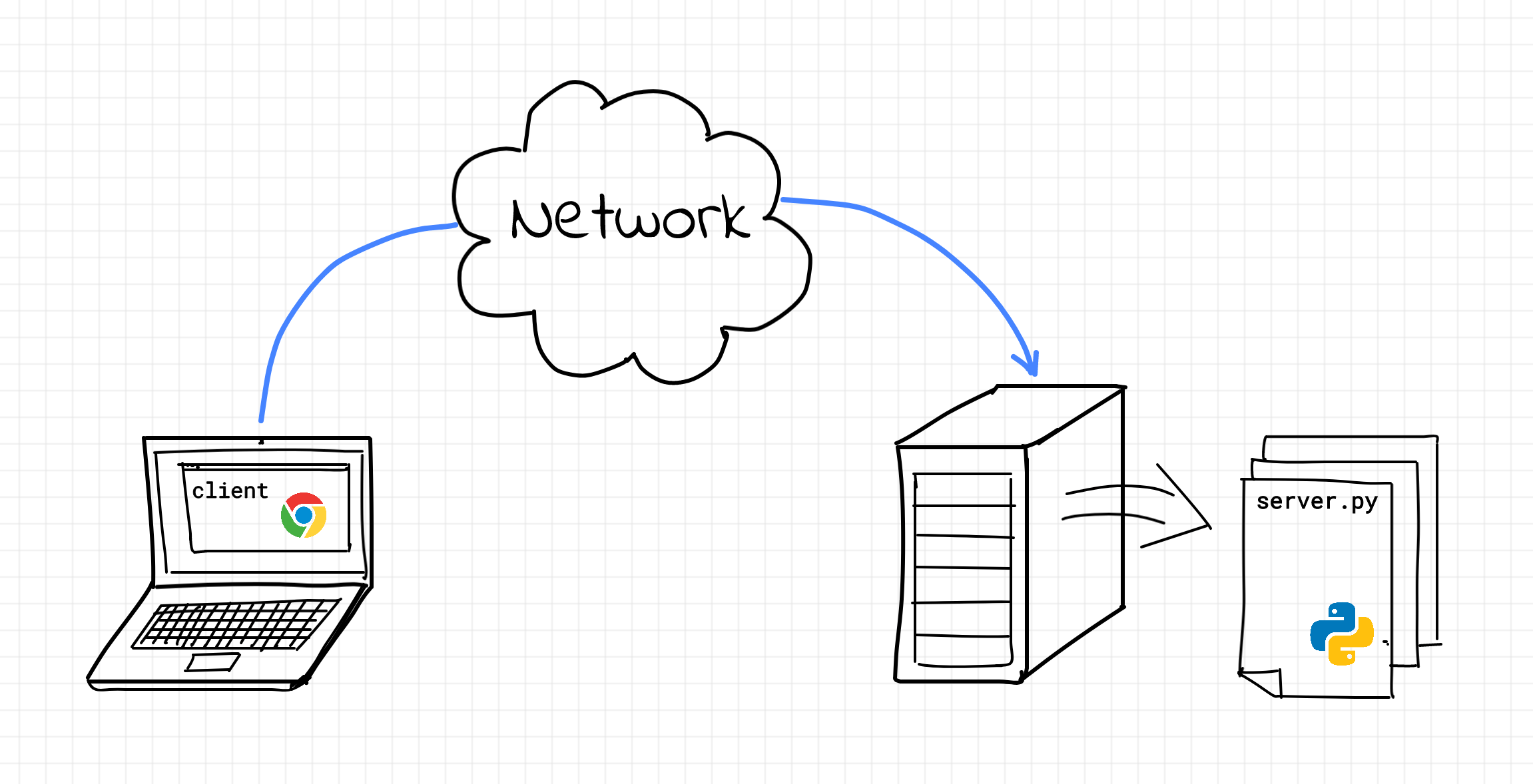
What is a TCP Server?Before jumping into sockets, ports, and all the strange-looking calls like First off, we're not here to talk about hardware servers. In this article, a server is a regular process run by the operating system that waits for clients, receives some input from them, applies whatever logic it was written for, and sends some output back. What makes it a TCP server is the way the input and output travel between the client and the server. Instead of reading from stdin, D-Bus, or a named pipe, the server receives bytes over a network connection. And instead of printing the result to stdout or writing it back to the pipe, it sends bytes back to that network connection. And the connection is established using the TCP protocol (more on it later).
The word bytes is important here. TCP doesn't know whether you're sending an HTTP request, a Redis command, a PostgreSQL query, a game message, or a line of text for a toy echo server. To TCP, all of that is just an ordered stream of bytes flowing between two programs. The meaning of those bytes is defined by a higher-level protocol. For example:
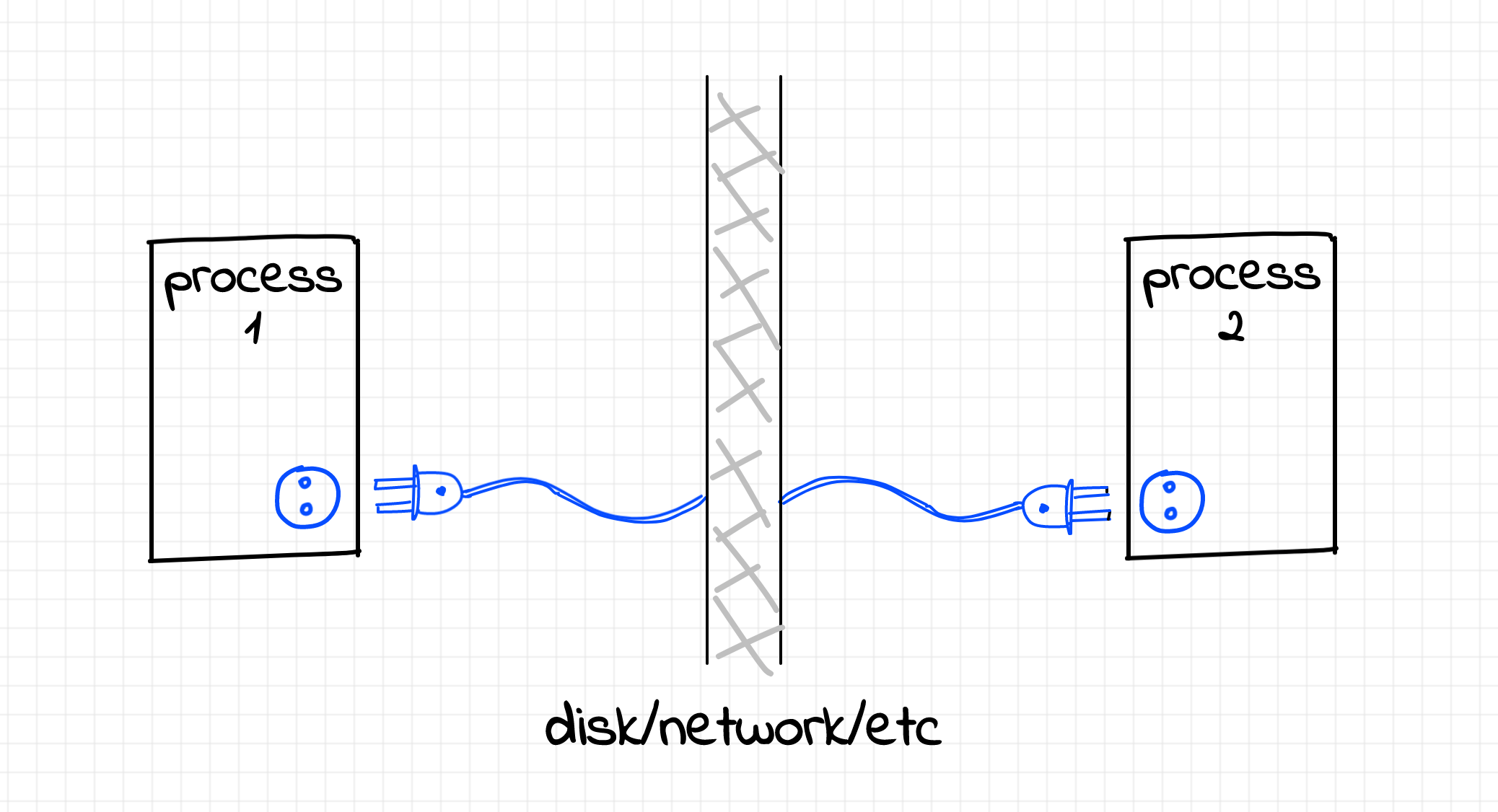
All of these protocols can run on top of TCP, but TCP itself is lower-level. Its job is not to understand application messages. Its job is to provide a reliable, ordered, error-checked byte stream between two endpoints. That also explains why many very different programs have a surprisingly similar shape at the networking layer. An HTTP server, a database server, a cache server, and a tiny echo server all need to do roughly the same initial dance: create a socket, bind it to an address and port, start listening for connections, accept a client, read bytes, write bytes, close the connection. The details of the application protocol may vary wildly, but the socket workflow underneath is often the same. In the rest of this article, we'll focus on this lower-level foundation: how programs communicate over the network using TCP sockets, what a listening socket actually does, why accepting a connection creates another socket, and how to send and receive data from clients - all of this illustrated with a practical example of building a tiny TCP server and client in Python. What is a socket?A socket is an abstraction provided by the operating system. Sockets are an inter-process communication (IPC) mechanism with its own distinct application programming interface (a system API). A pair of sockets allows two processes to talk to each other - sometimes over the network, sometimes locally on the same machine. A socket can be opened, and data can be written to the socket or read from it. And of course, when the socket is not needed anymore, it should be closed.
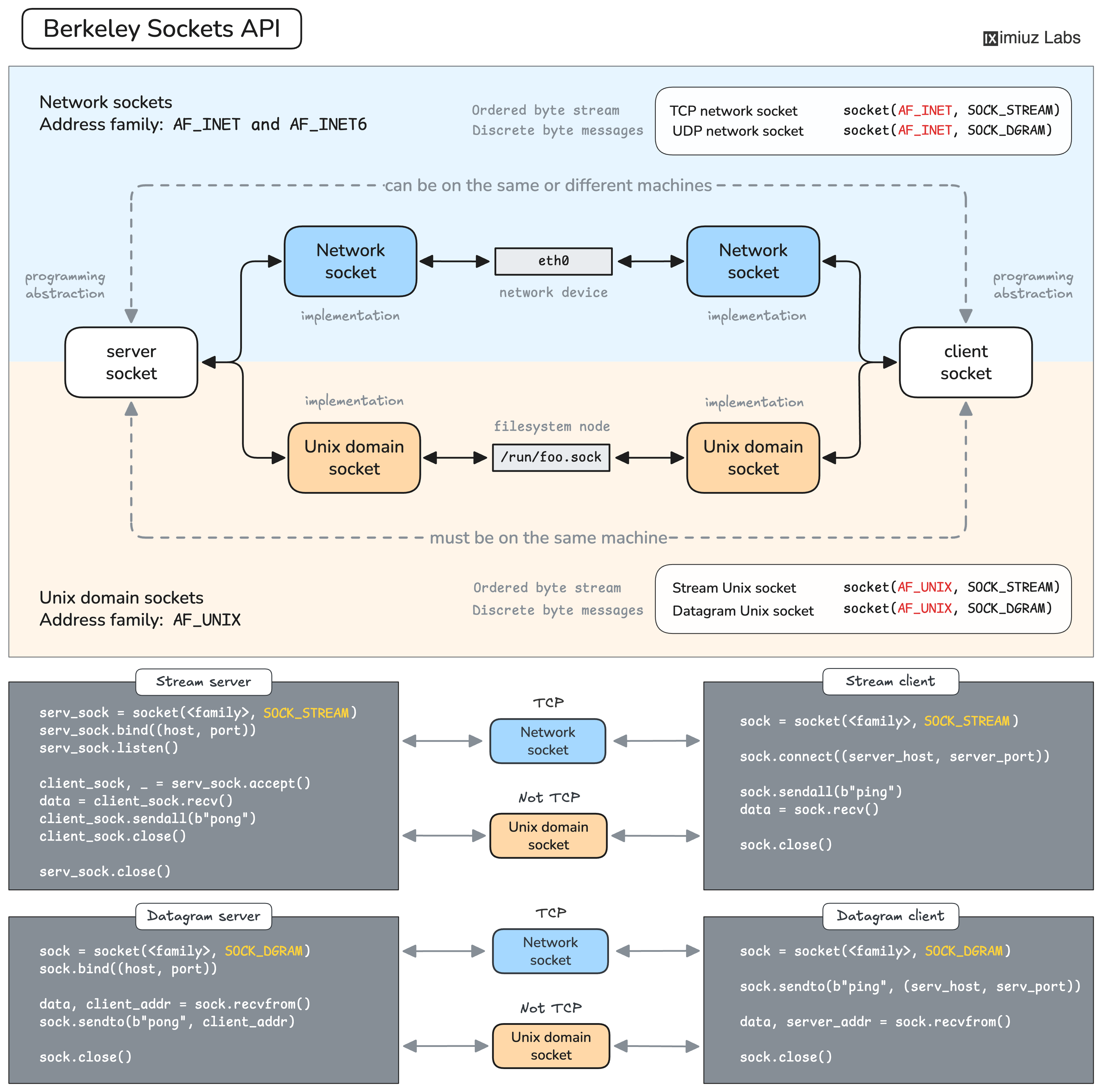
Sockets are pretty diverse. Some socket families are meant for network communication, such as Socket families can also support different communication styles. For Internet sockets ( This variety may seem complicated at first, but luckily, there is a more or less generic approach to using sockets of any kind in code. Learning one socket type makes the others much easier to approach. Further in this article, we'll focus on client-server communication via IPv4 TCP sockets.
Find the full version of this tutorial, including the hands-on exercises to help you get started with socket programming, at iximiuz Labs: How Servers Work: A Hands-On Introduction to TCP Sockets Happy learning! Ivan |
Ivan on the Server Side
A satellite project of labs.iximiuz.com - an indie learning platform to master Linux, Containers, and Kubernetes the hands-on way 🚀